Notion Board View: Build Kanban Task Boards
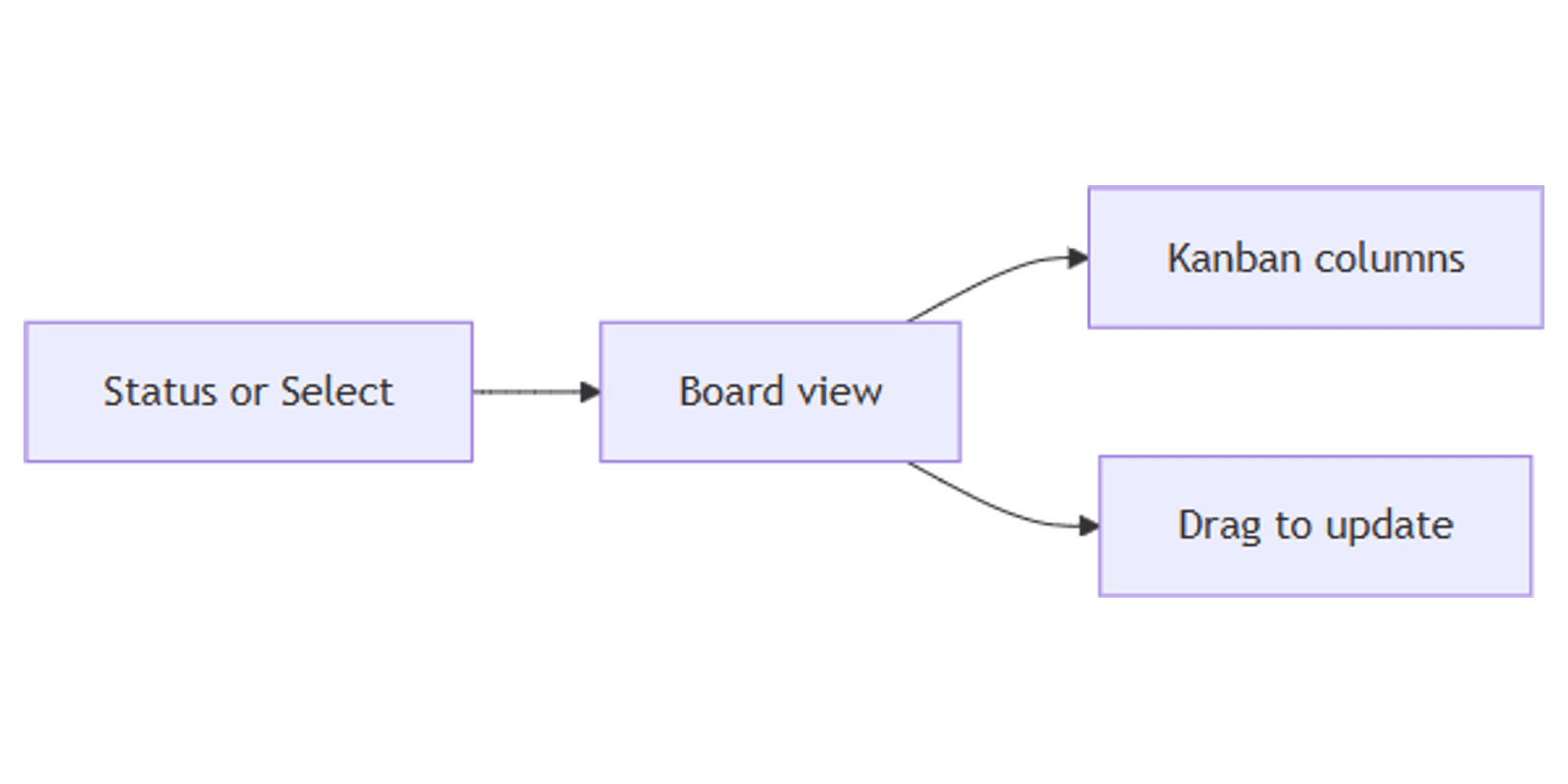
Notion board view groups database pages into columns - a kanban layout for tasks, deals, and content pipelines. Drag a card to another column to update Status, assignee, or priority in one move.
This guide covers how to create a Notion board view, change Group by, show card properties, filter for focus, and build task and CRM boards. See Notion's board documentation for official details.
What is board view?
Board is a database layout that shows each row as a card in a column. Columns come from the values of a grouping property - typically Status, Select, People, or Multi-select (Notion Help).
| Board | List | Table | |
|---|---|---|---|
| Focus | Stages / owners in columns | Titles + a few props | All fields editable |
| Update style | Drag cards between columns | Open page or edit chips | Edit cells |
| Best for | Pipelines, sprints | Doc queues | Bulk data entry |
Use Board when workflow stage matters. Use List for scanning titles. Use Table for spreadsheet edits. Pair with Timeline when duration matters more than stage.
By default, Table, Board, List, and Timeline open pages in side peek (views help).
How to create a Notion board view
Option 1: Add to an existing database
- Open the database.
- Click + next to the view tabs (or current view → New view).
- Select Board.
- Name the view (e.g. "Task board" or "Deal pipeline").
Default grouping: if the database has a Status property, the board groups by Status. Otherwise Notion uses an existing Select, Person, Multi-select, or Relation - or creates a Status property for you (Notion Help).
Option 2: Slash command
- On any page, type
/Board viewand press Enter. - Expand to full page with ⤢ if needed.
Option 3: Starter board page
- Create a new page → Get started with → ••• → Board.
Group by the right property
- Open View settings → Group (or use Group in the board toolbar).
- Choose the property for columns - Status, Assignee, Priority, Client, etc.
Common boards:
| Group by | Use when |
|---|---|
| Status | Classic To-do → In progress → Done |
| People | Workload by owner |
| Select | Priority or department lanes |
Note: Notion's board FAQ says you cannot currently group by Relation or Formula properties - use Status, Select, Person, or Multi-select for columns.
Edit column labels
Column names come from the property options, not the view alone:
- View settings → Edit properties.
- Open the property you group by.
- Rename, recolor, delete, or + add options (Notion Help).
Hide empty groups and reorder
Under Group settings you can hide/show groups, sort groups, and Hide empty groups so unused stages do not clutter the board (views help).
Many boards also support sub-group for a second layer (e.g. Status columns, then Priority within each).
Customize cards
- Property visibility - show Due, Owner, Priority on cards; hide the rest.
- Drag with ⋮⋮ to reorder visible properties.
- Optional card cover / page preview when your workspace shows content previews on boards.
- Layout → Open pages in → Side peek, Center peek, or Full page.
Drag cards between columns to change the group value. Drag up/down within a column to reorder.
Filter and sort
Boards support filters and sorts:
- Assignee contains Me
- Status is not Done
- Due is within This week
- Priority is P0
Save filtered boards: My board, This sprint, Blocked only.
Highlight urgency with conditional color on Board cards.
Practical workflow examples
Team task board
- Status + Assignee + Due.
- Board grouped by Status.
- Second board grouped by Assignee for workload.
- Filter Assignee contains Me for a personal lane view.
Content pipeline
- Status: Idea → Draft → Review → Scheduled → Published.
- Platforms (Multi-select) visible on cards.
- Pair with Calendar by Publish date.
Works with the Social Media Multi-Platform Content Planner.
CRM / deals
- Group by Stage (Status or Select).
- Show Amount (Number) and Owner on cards.
- Filter Stage is not Closed.
Works with the CRM Dashboard template.
Bug / support triage
- Group by Status; sub-group by Severity (Select).
- Unique ID on cards for ticket codes.
- Created time sort for newest intake.
Board vs List vs Timeline
| Goal | Best view |
|---|---|
| Move work through stages | Board |
| Scan titles quickly | List |
| See duration across weeks | Timeline |
| Edit many fields | Table |
Tips for teams
- One primary board by Status - add Person boards as extras, not replacements.
- Hide Done with a filter or hide the Done group during daily standups.
- Limit card properties - three chips max keeps columns readable.
- Name views clearly - "By status" vs "By owner".
- Automate stage changes when useful (automations).
Permissions and troubleshooting
Who can edit board layout: members with Can edit access to the database.
Common issues:
- Only one column - add Status/Select options, or change Group by.
- Wrong columns - check Group property.
- Empty clutter - enable Hide empty groups.
- Cannot drag - confirm edit access and that the group property is editable (not a rollup-only field).
FAQ
Does Notion board view need a Status property?
Not always. Boards prefer Status when present; otherwise they can group by Select, Person, or Multi-select - or create Status for you (Notion Help). Grouping by Relation or Formula is not supported at this time.
Can I group a Notion board by assignee?
Yes. Group → choose your People field.
Can board views use conditional color?
Yes. Board is a supported layout for conditional color.
Conclusion
Notion board view is the kanban layout for pipelines - add a Board, group by Status or Owner, drag cards to update stage, and filter to your lane. Pair with Status for workflow groups and List when you need a lighter queue.
For all view types, see Notion database views. For dated planning, see Calendar and Timeline.
Notion Templates
Start Selling Notion Templates - Start Now!