Notion Timeline View: Build Project Roadmaps
Notion timeline view plots database rows as horizontal bars across time - ideal for roadmaps, campaigns, and multi-week projects. Unlike a calendar view, which focuses on which day something lands, Timeline shows how long work spans.
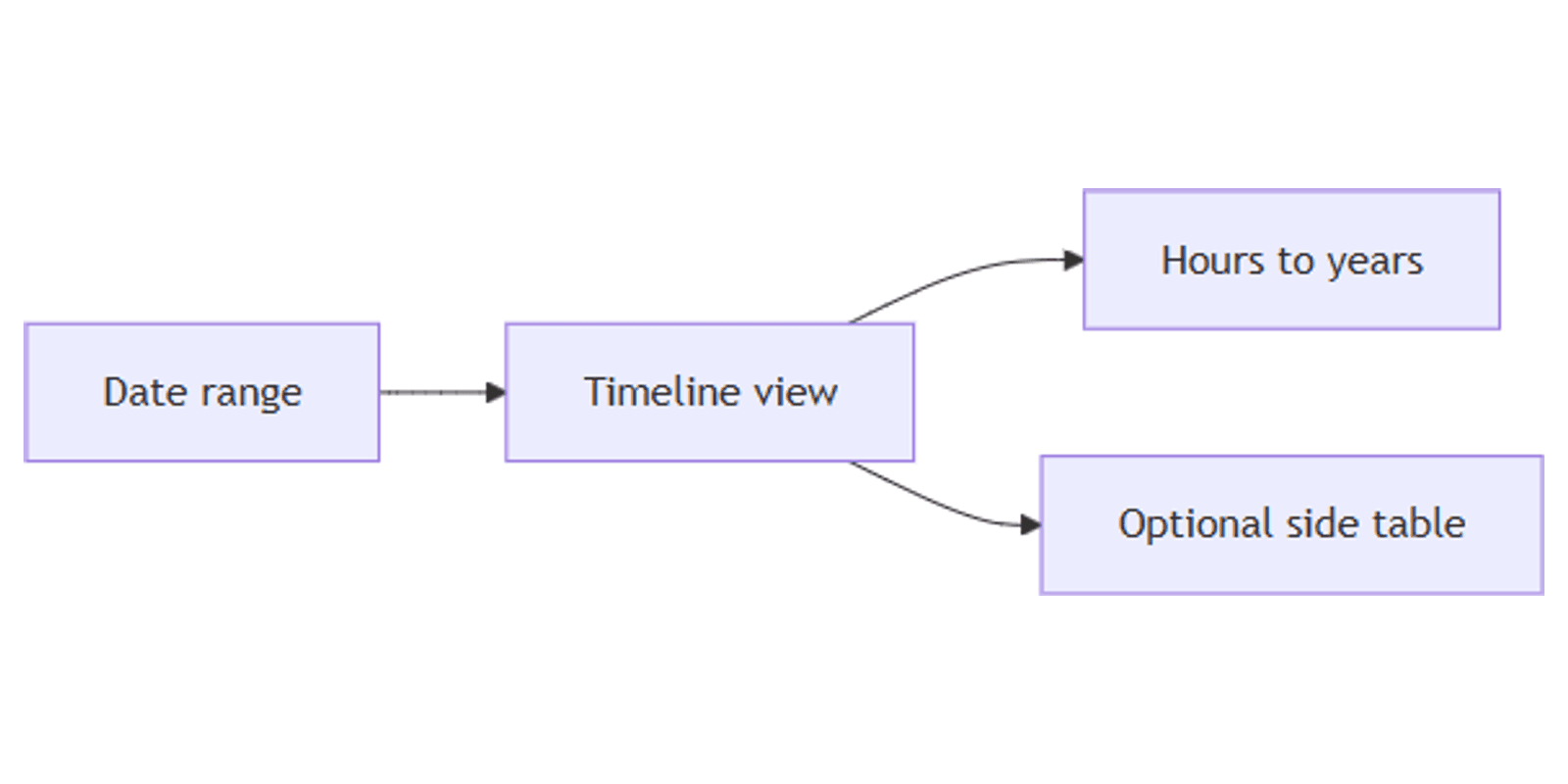
This guide covers how to create a Notion timeline view, enable date ranges, zoom from hours to years, show the side table, and build roadmap workflows. See Notion's timeline documentation for official details.
What is timeline view?
Timeline is a database layout that renders each row as a bar along a horizontal time axis. Bars stretch from a start date to an end date so you can spot overlaps, dependencies, and gaps.
| Timeline | Calendar | Board | |
|---|---|---|---|
| Focus | Duration across weeks/months | Days on a month/week grid | Status columns |
| Needs | Date range (start + end) | Date | Status or Select |
| Best for | Roadmaps, campaigns | Deadlines, publish days | Pipeline stages |
Requirement: Timelines only plot rows when you have at least one Date property that includes a range (start and end). Single-day dates alone will not draw meaningful bars (Notion Help).
How to create a Notion timeline view
Option 1: Add to an existing database
- Open the database.
- Click + next to the view tabs (or open the current view name → New view).
- Select Timeline.
- Name the view (e.g. "Product roadmap" or "Campaign timeline").
Option 2: Slash command
- On any page, type
/Timeline viewand press Enter. - Expand to full page with ⤢ if you started inline.
Option 3: Starter timeline page
- Create a new page → Get started with → ••• → Timeline.
Set up date ranges
Without end dates, Timeline has nothing useful to plot. Pick one approach:
Same property with End date
- Click the Date property name → turn on End date.
- Enter start and end on each row (or stretch bars later).
Separate start and end properties
- Create two Date properties (e.g. Start and End).
- Open view settings → Layout → Show timeline by.
- Choose separate start/end properties (Notion Help).
Show timeline by the right dates
If you track several date fields (Work window, Launch window, Prep):
- Layout → Show timeline by.
- Select the date property (or pair) this view should use.
Create separate timeline views when you need different date fields - one view plots one date configuration at a time.
Customize your timeline
Open the settings slider (View settings) at the top of the database.
Zoom: hours to years
On the right of the timeline, left of Today, open the time-unit dropdown. Switch between:
- Hours / Days - short sprints and dense weeks
- Weeks / Months - typical roadmaps
- Quarters / Years - long-horizon planning
The canvas rescales so current projects stay in view (Notion Help).
Drag to change length
Hover the left or right edge of a bar → drag to shorten or extend. Date indicators appear while you drag. Small arrows on a row jump you to projects that start or end outside the visible window.
Jump to Today
Click Today on the right side of the timeline to center on the current day.
Show or hide the side table
Click >> / << on the left to show a table beside the timeline. The table keeps titles and properties visible even when bars fall outside the current zoom. Configure which columns appear under Layout → Table properties.
Load limit and property visibility
- Layout → Load limit - control how many pages load at once.
- Property visibility - show Status, Owner, or Priority on bars; hide the rest. Drag with ⋮⋮ to reorder.
- With the side table open, run Calculate on columns (sum, percent empty, earliest date, and more) just like a normal table.
Reorder rows
Drag bars (or table rows) up and down to rearrange projects.
Filter, sort, and group
Timelines support filters, sorts, and grouping:
Group by Status or Person to get swimlanes of related work.
Practical workflow examples
Product roadmap
- Properties: Dates (Date with End date), Status, Owner, Initiative (Select).
- Timeline zoomed to Months or Quarters.
- Filter Status is not Shipped.
- Side table for Name + Status while scrolling the bars.
Marketing campaign plan
- Date range for each campaign phase.
- Multi-select Platforms (Multi-select).
- Pair with a calendar for publish days.
Works with the Social Media Multi-Platform Content Planner.
Client project delivery
- Start / End + Client + Owner.
- Timeline filtered to active clients.
- Unique ticket keys with Unique ID for deliverables.
Works with the CRM Dashboard template.
Trip or event windows
- Date ranges for travel legs or festival days.
- Place (Place property) for locations.
- Timeline for duration; Map for pins; Calendar for day details.
Timeline vs Calendar vs Table
| Goal | Best view |
|---|---|
| See duration across weeks | Timeline |
| See items on a month/week grid | Calendar |
| Edit many fields at once | Table |
| Browse status columns | Board |
Many project databases keep all three: Timeline for the roadmap, Calendar for hard deadlines, Table for bulk edits.
Tips for teams
- Always enable End date - empty ends mean empty bars.
- Name views by date field - "By work window" vs "By launch window".
- Start in Months, then zoom - hours is noisy for multi-quarter plans.
- Show the side table during planning reviews so titles stay readable.
- Filter by status - ship calendars look cleaner without Done work.
Permissions and troubleshooting
Who can edit timeline layout: members with Can edit access to the database.
Common issues:
- Nothing plots - enable End date (or separate start/end) and fill ranges on rows.
- Wrong bars - check Layout → Show timeline by if you have multiple dates.
- Items off-screen - click row arrows or Today; adjust zoom.
- Too crowded - raise filters or lower Load limit; group by team.
FAQ
Does Notion timeline need a date range?
Yes. Timelines need a Date property with a range (or separate start and end dates). See Notion Help.
Can I zoom a Notion timeline to years?
Yes. Use the time-unit dropdown (hours through years) to the left of Today.
Can I open timeline pages full screen by default?
Yes. Layout → Open pages in → Full page.
Conclusion
Notion timeline view turns date ranges into Gantt-style roadmaps - enable start and end dates, add a Timeline view, zoom to the right scale, and drag bars to reschedule. Pair with Calendar for day-level planning and Date reminders for personal nudges.
For all view types, see Notion database views. For visual catalogs and internal updates, see Gallery and Feed.
Notion Templates
Start Selling Notion Templates - Start Now!