Notion Unique ID Property: Auto-Number Database Rows
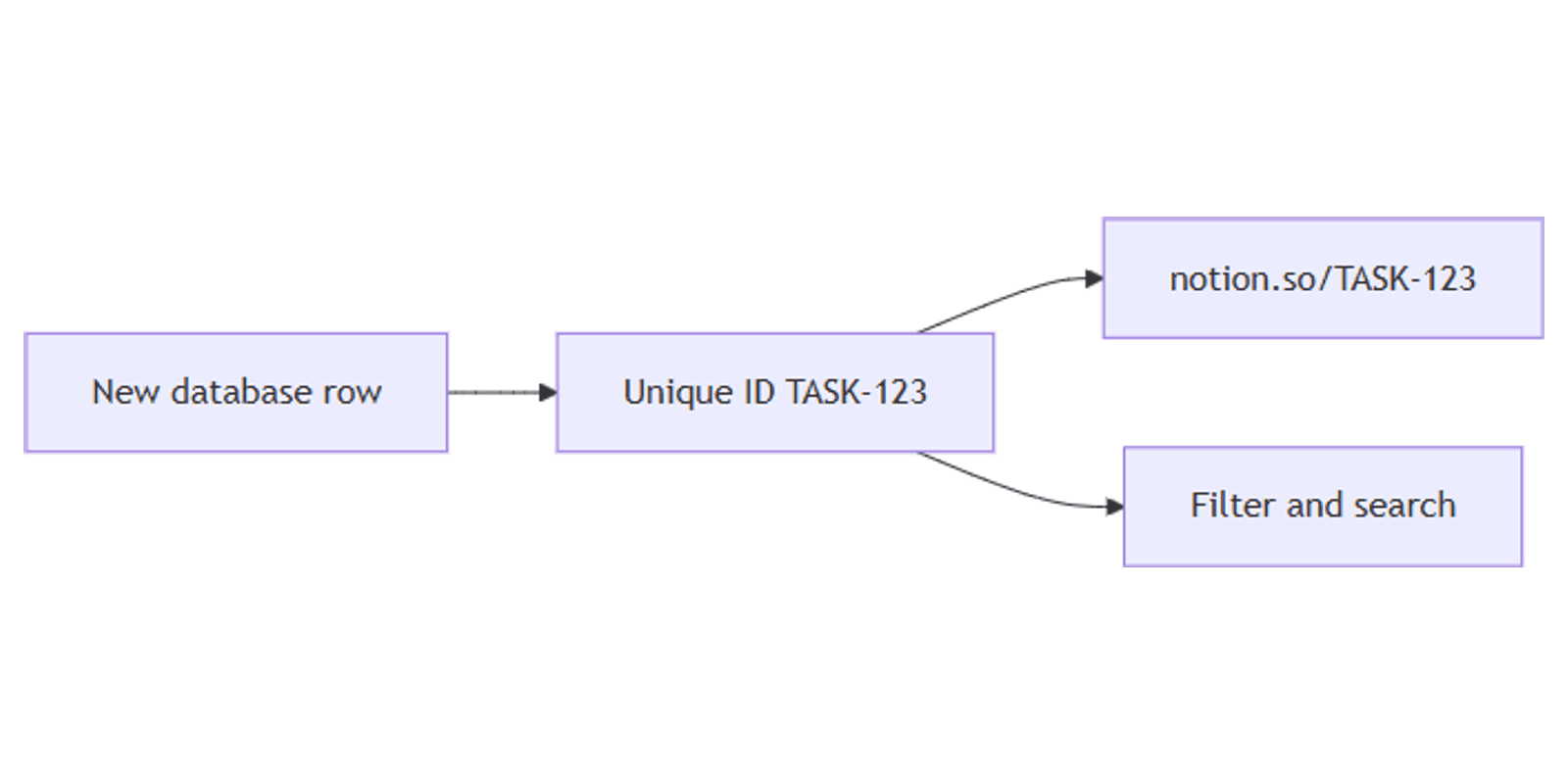
Notion Unique ID (property type ID) automatically numbers every database row - perfect for tickets, invoices, bugs, and order-style workflows. IDs are unique, read-only, and can open via a short URL like notion.so/TASK-123 when you set a prefix.
This guide covers how to add a Unique ID property, configure prefixes, use ID URLs, and pair IDs with forms and support workflows. See Notion's Unique ID documentation for official details.
What is a Unique ID property?
Unique ID assigns an auto-incrementing number to each page in a database. You can add an optional prefix (e.g. TASK, INV, BUG) so IDs display as TASK-123.
| Unique ID | Number | |
|---|---|---|
| Assigned how | Automatically | Manually (or via automation) |
| Editable | No - read-only | Yes |
| Unique guarantee | Yes (per database) | No - unless you enforce it |
| Best for | Tickets, invoices, bug keys | Amounts, scores, quantities |
Important behaviors (Notion Help):
- IDs start at 1 and cover every page, including deleted ones.
- Numbers never change once assigned.
- Short Unique ID URLs work only when a prefix is set.
You cannot comment on Unique ID properties (same limitation as formula, rollup, and button).
How to add a Unique ID property
- Open any database.
- Click + at the far right to add a property.
- Select ID (Unique ID).
- Notion generates a default prefix from teamspace/database names - edit it anytime.
Set or change the prefix
- Click the ID property header → Edit property.
- Update the Prefix field (e.g.
TASK,INV,HDfor help desk). - Leave prefix non-empty if you want
notion.so/PREFIX-123links to work.
Prefix changes apply to how IDs display; the underlying numbers stay stable.
Unique ID URLs
With a prefix, open any row via:
https://www.notion.so/PREFIX-NUMBER
Example: ID TASK-123 → notion.so/TASK-123 (workspace context applies when you are logged in).
Use these links in Slack, email, and docs instead of long page URLs. Without a prefix, short ID URLs do not work - check Edit property and fill Prefix.
Filter, sort, and search by ID
- Sort by Unique ID ascending/descending for chronological ticket order.
- Filter or search by the visible ID string when you know the number.
- Show ID on table, list, and board cards via property visibility.
IDs pair well with Status boards - reference BUG-42 while moving cards.
Practical workflow examples
Support / bug tickets
- Add Unique ID with prefix
BUGorHD. - Form for intake (summary, severity, optional Files & media screenshot).
- Automation: Page added → set Status to New → notify People Assignee.
- Share
HD-184in chat instead of pasting the full Notion link.
Invoices or orders
- Prefix
INV. - Properties: Amount (Number), Paid (Checkbox), Attachment (Files & media).
- Filter unpaid: Paid unchecked; sort by ID.
Product or feature requests
- Prefix
FR. - Multi-select tags + Status pipeline.
- Chart of requests by status; cite
FR-19in roadmaps.
CRM deals
- Prefix
DEAL. - Owner (People) + Stage (Status or Select).
- Works alongside the CRM Dashboard template.
GitHub tip: Notion documents Unique ID together with GitHub integration for engineering tasks - connect GitHub if you want IDs mirrored in issues/PRs (Unique ID help).
Unique ID vs Number vs Formulas
| Need | Use |
|---|---|
| Permanent auto ticket key | Unique ID |
| Price, quantity, score | Number |
| Computed display label | Formula (does not replace Unique ID) |
Do not try to "fix" Unique IDs with Number + automation - Unique ID already guarantees sequence and stability.
Tips for teams
- Pick a short prefix -
BUG,INV,TASKscan faster than long words. - Document the prefix in your team wiki so people recognize IDs in chat.
- Show ID on intake views - agents need the key at a glance.
- Remember deleted rows still consumed numbers - gaps in the sequence are normal.
- Keep prefix filled if you rely on short URLs.
Permissions and troubleshooting
Who can add Unique ID: members who can edit database properties (Can edit / Full access).
Common issues:
- Short URL fails - prefix is empty; edit the property and set a Prefix.
- Expected next number skipped - deleted or old rows already used those numbers.
- Cannot edit the ID value - by design; Unique ID is read-only.
- Cannot comment on the ID cell - Unique ID does not support property comments.
- Wrong default prefix - change it in Edit property; prefer a stable team convention.
FAQ
What is the Notion Unique ID property?
An auto-number field that assigns a permanent ID to every database row, optionally with a text prefix like TASK-123.
Can I change a Notion Unique ID number?
No. Numbers are assigned automatically and never change. You can change the prefix display.
How do Unique ID links work?
With a non-empty prefix, open notion.so/PREFIX-NUMBER (e.g. notion.so/TASK-123) to jump to that page.
Conclusion
Unique ID gives every row a durable key - add the ID property, set a clear prefix, share short PREFIX-123 links, and run tickets or invoices through forms and status boards. Pair with Files & media for attachments and People for ownership.
For numeric amounts (not ticket keys), see Number property. For visual catalogs of ID'd items, see Gallery view.
Notion Templates
Start Selling Notion Templates - Start Now!