Notion Created Time and Last Edited Time: Track Activity Automatically
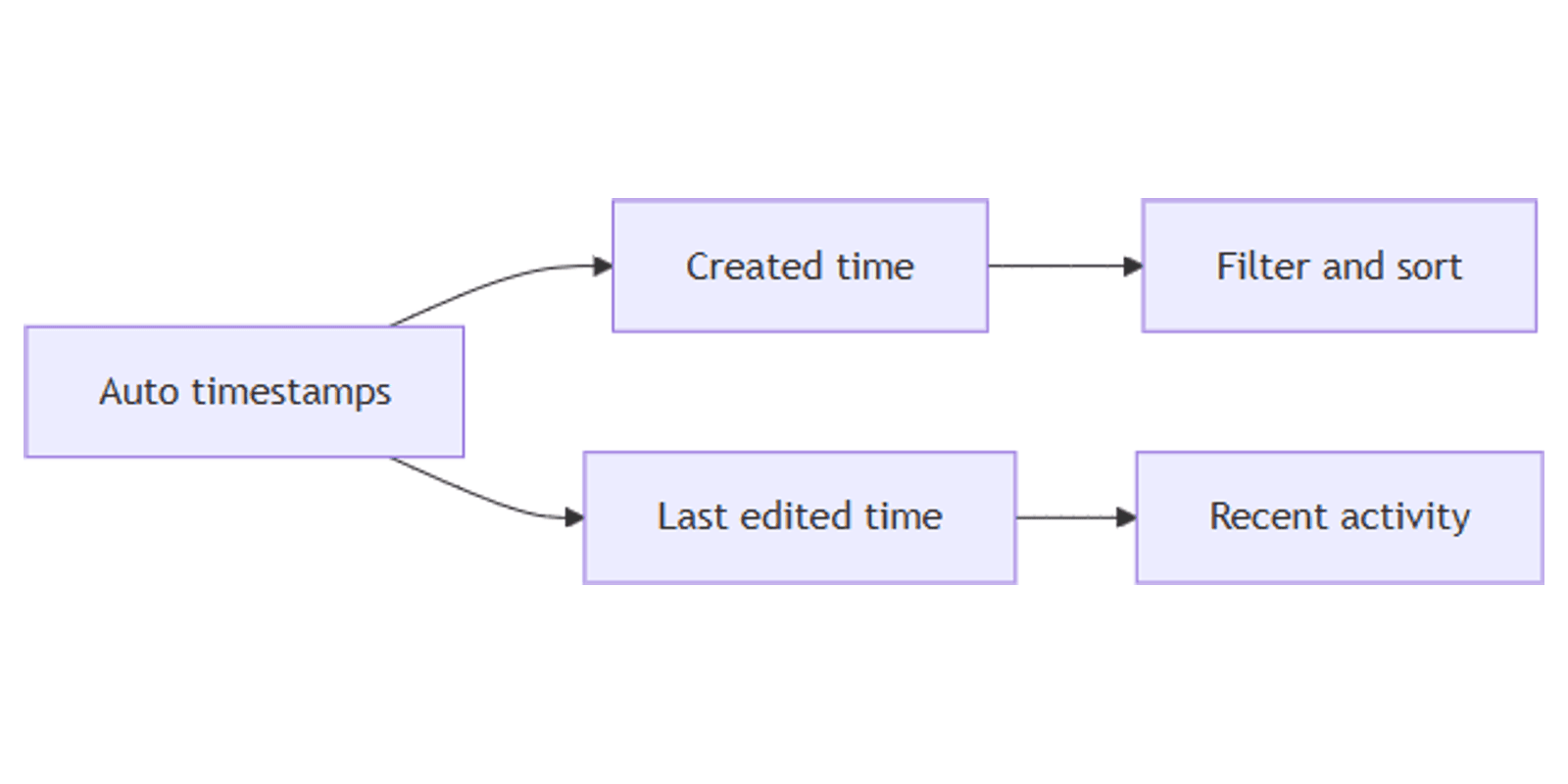
Notion Created time and Last edited time are auto-filled timestamp properties - they record when a row was created and when it was last changed, with no manual entry. Pair them with Created by and Last edited by for a lightweight activity trail.
This guide covers how to add these properties, filter and sort by them, and build “recently updated” workflows. See Notion database properties for official descriptions.
What are these properties?
| Property | Stores | Editable? |
|---|---|---|
| Created time | When the item was created | No - auto-generated |
| Last edited time | When the item was last edited | No - auto-updated |
| Created by | Who created the item | No - auto-generated |
| Last edited by | Who edited the item last | No - auto-updated |
Values appear automatically once the property exists (Notion Help).
| Created / Last edited time | Date | |
|---|---|---|
| Purpose | System activity trail | Deadlines, publish dates, events |
| Who sets it | Notion | You (or automations) |
| Reminders | No | Yes via Remind |
| Best for | Stale docs, audit, “what changed” | Calendars and timelines |
Use timestamps for when work happened in Notion. Use Date for when work is due or scheduled.
How to add them
- Open a database.
- Click + next to the rightmost column (or Add property).
- Choose Created time, Last edited time, Created by, or Last edited by.
- Name clearly (e.g. Created, Updated, Author, Last editor).
You can add all four. Many teams start with Last edited time alone for “recently touched” views.
Created by vs People
Created by is fixed at creation. People (Assignee / Owner) is who should act next - editable and notification-friendly. Keep both when you need audit and assignment.
Filter and sort by activity
Timestamps work with filters and sorts:
- Sort Last edited time descending → newest activity first
- Filter Last edited time is within Past week
- Filter Last edited time is before 30 days ago → stale items
- Filter Created time is within Today → today’s intake
- Filter Created by contains Me
Save views:
- Recently updated - sort Updated descending
- Stale - Updated is before 30 days ago and Status is not Done
- My creates - Created by contains Me
Practical workflow examples
Docs and wiki freshness
- Add Last edited time + Last edited by.
- List view sorted by Updated descending.
- Filter Updated is before This month for a refresh queue.
Content calendar hygiene
- Keep Publish date as a Date property for the schedule.
- Add Last edited time to see which drafts were touched lately.
- Feed or List sorted by Updated for editorial standups.
Works with the Social Media Multi-Platform Content Planner.
CRM / lead intake
- Created time on form submissions (Forms).
- Sort newest leads first.
- Owner via People; Created by shows who entered the row if internal.
Works with the CRM Dashboard template.
Support or bug tracker
- Created time + Unique ID (Unique ID).
- Last edited time for “who touched this ticket lately.”
- Automations on Status changes (automations) - timestamps still update on any edit.
Tips
- Do not fake publish dates with Last edited time - use a Date property for go-live.
- Show Updated on List/Feed - hide Created if it adds noise.
- Stale filters beat memory - review docs that have not moved in 30+ days.
- API / integrations cannot set these values - they remain system-managed.
FAQ
Can I edit Created time or Last edited time in Notion?
No. They are auto-generated and not editable (Notion Help).
What is the difference between Last edited time and a Due date?
Last edited time tracks Notion activity. Due date is a manual Date for when work should be finished.
Do form submissions get a Created time?
Yes. New rows from Forms receive Created time (and Created by when applicable) like any other page.
Conclusion
Created time and Last edited time give every database an automatic activity trail - add the properties, sort newest first, and filter stale rows. Pair with People for owners and Date for real deadlines.
For clickable contact fields, see URL, Email, and Phone. For view layouts that surface updates, see Feed and List.
Notion Templates
Start Selling Notion Templates - Start Now!