Notion URL, Email, and Phone Properties: Store Clickable Contact Info
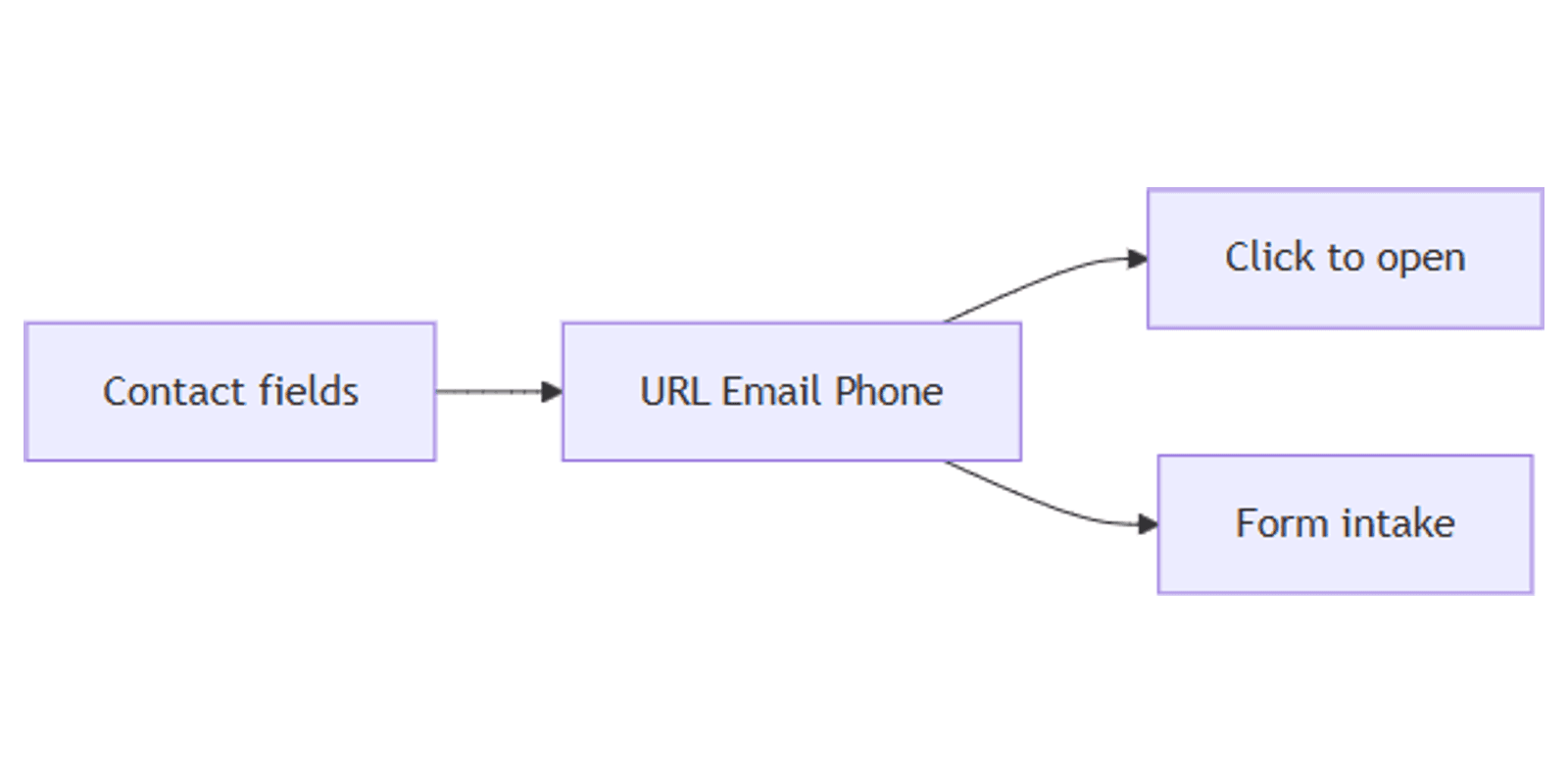
Notion URL, Email, and Phone properties store contact and link data as dedicated field types - click to open a website, launch mail, or start a call. They keep CRMs and lead databases cleaner than stuffing everything into Title or Text.
This guide covers how to add each property, when to use which type, map them in Notion Forms, and build contact workflows. See Notion database properties for official field descriptions.
What are URL, Email, and Phone properties?
| Property | Stores | On click |
|---|---|---|
| URL | Website link | Opens the link in a new tab |
| Email address | Opens your mail client | |
| Phone | Phone number | Prompts your device to call |
You type or paste values the same way as Text (Notion Help). The difference is behavior: Notion treats them as actionable contact fields, and forms can validate Email and URL formats.
| URL / Email / Phone | Text | |
|---|---|---|
| Click behavior | Open link / mail / call | No special action |
| Forms | Dedicated question types | Free text |
| Best for | Contacts, websites, bookings | Notes, loose labels |
Use the dedicated types whenever the value is meant to be opened, not just displayed.
How to add the properties
- Open a database.
- Click + next to the rightmost column (or Add property).
- Name the field (e.g. Website, Work email, Mobile).
- Choose URL, Email, or Phone.
- Paste or type a value in a cell.
Tips:
- Prefer https:// on URLs so they always open reliably.
- Store one primary email and one primary phone per contact row; add extra properties if you need personal vs work.
- Keep display names (person or company) in Title - do not replace Title with a URL.
When to use each type
URL
- Company website, LinkedIn profile, booking page, Notion public page, Drive folder link
- Portfolio or case-study links in a Gallery
- Competitor or research sources in a content database
If the file must live inside Notion, use Files & media instead of URL. Use URL when the asset stays in Drive, Dropbox, or on the web.
- Lead or customer contact
- Support reply address
- Vendor accounts payable contact
Pair Email with Owner (People) so the workspace assignee is separate from the external contact address.
Phone
- Sales dial lists
- Venue or vendor contacts for events
- Field / site contact numbers next to Place
Phone formatting is flexible - Notion does not enforce a single national format. Include country code when teams work across regions.
Filter and sort contact fields
URL, Email, and Phone support text-style filters and sorts:
- Email is empty - find contacts missing an address
- URL contains
linkedin.com - Phone is not empty - build a call list
- Sort alphabetically by Email for cleanup passes
Combine with Status and People:
- Status is Lead and Email is not empty
- Owner contains Me and Phone is not empty
Use with Notion Forms
Forms map contact properties to typed questions (Forms guide):
| Property | Form question | Notes |
|---|---|---|
| Validates email format | ||
| URL | URL | Validates URL format |
| Phone | Phone | Phone number input |
Lead intake form example:
- Title = Company or Name
- Email + Phone + Website (URL)
- Services needed (Multi-select or Select)
- Optional Owner (Person) for internal assignment
Share the form link; submissions land as database rows ready for CRM follow-up.
Practical workflow examples
Simple CRM
- Title (Name), Email, Phone, Website (URL), Status, Owner (People).
- Board by Status; Table for bulk email cleanup.
- Form for inbound leads.
Works with the CRM Dashboard template.
Vendor / venue directory
- URL for menus or rate cards; Phone for booking; Place for map pins.
- Map view for locations; Table for dialing.
Content / creator links
- URL for published posts or Canva share links.
- Gallery for creatives; URL for the live destination.
- Track social assets designed with a content planner.
Support contacts
- Email + Phone on each account row.
- Automation: notify Owner when a new form row is added (automations).
Tips for clean contact data
- One purpose per property - "Work email" and "Personal email" beat a vague "Email 2" in Text.
- Do not paste long tracking URLs into Title - Title is for names; URL holds the link.
- Validate via Forms when the public enters data - Email/URL question types catch typos.
- Empty filters weekly - missing Phone/Email is a follow-up queue.
- Permissions - limit who can export contact tables if they contain personal data.
FAQ
What happens when I click an Email property in Notion?
Notion launches your default mail client with that address (property help).
Can Form respondents fill Email, URL, and Phone?
Yes. Forms expose Email, URL, and Phone question types that write into the matching properties.
Should I store Google Drive links as URL or Files & media?
Use URL for links that stay in Drive. Use Files & media when you need the file attached inside Notion (Files & media).
Conclusion
URL, Email, and Phone keep contact actions one click away - add the right property type, collect leads with Forms, and filter empty fields for follow-up. Pair with People for internal owners and Status for pipeline stage.
For CRM layouts, see the CRM Dashboard. For related properties, see Number and Date.
Notion Templates
Start Selling Notion Templates - Start Now!