Notion Created by and Last Edited by: Track Who Changed a Row
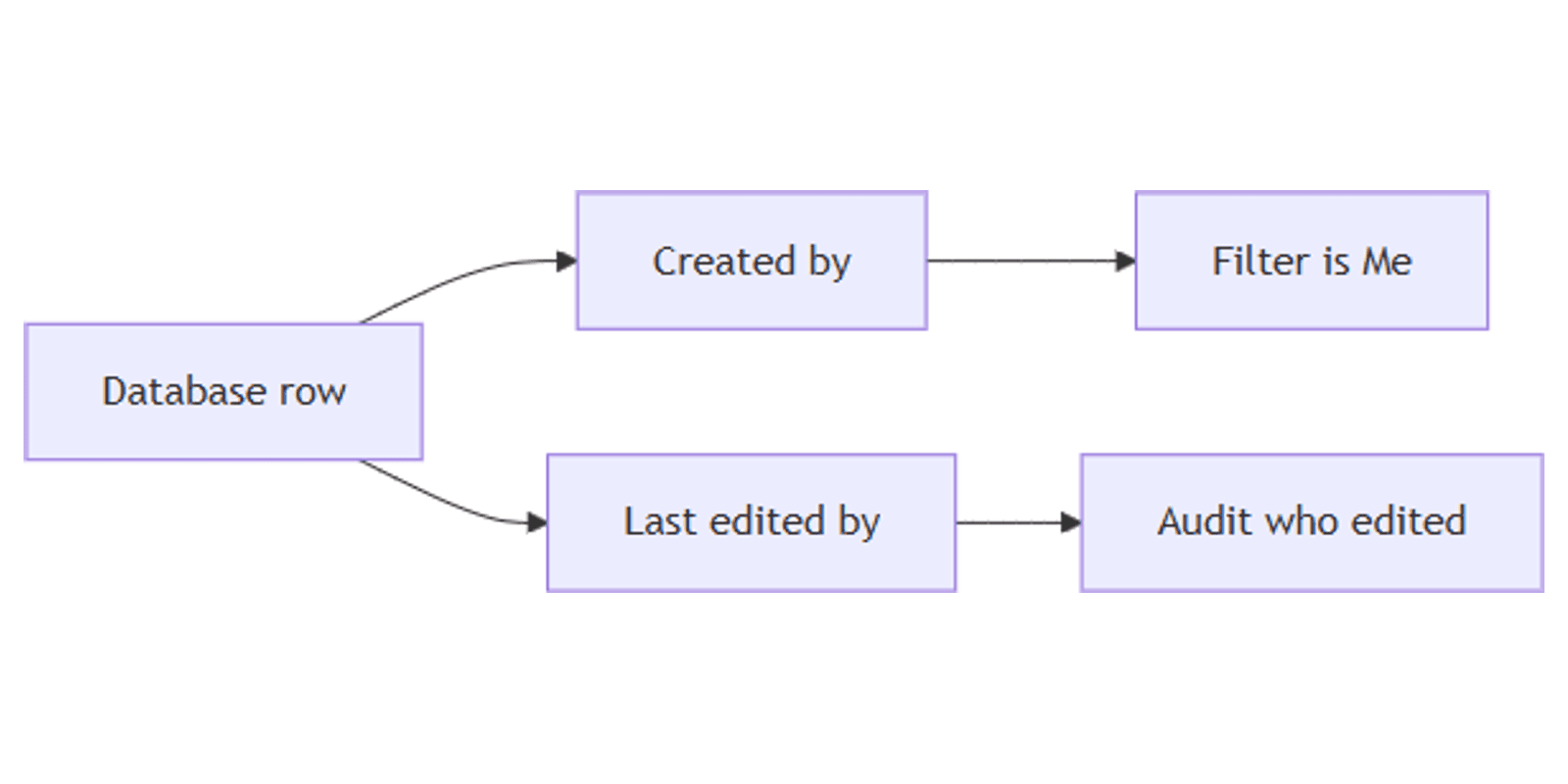
Notion Created by and Last edited by are auto-generated person properties - they record who created a row and who changed it last, with no manual assignment. Pair them with Created time and Last edited time for a full activity trail.
This guide covers how to add these properties, filter by author or last editor, and use them for ownership and audit workflows. See Notion database properties for official descriptions.
What are Created by and Last edited by?
| Property | Stores | Editable? |
|---|---|---|
| Created by | Who created the page or row | No - auto-generated |
| Last edited by | Who edited the page or row last | No - auto-updated |
| Created / Last edited time | When it was created or last edited | No - auto timestamps |
| People | Who you assign as owner or assignee | Yes - manual |
Values appear automatically once the property exists (Notion Help).
| Created by / Last edited by | People | |
|---|---|---|
| Purpose | System audit trail | Task ownership and handoffs |
| Who sets it | Notion | You (or automations) |
| Notifications | No assignee-style notify on create | Yes when someone is assigned |
| Best for | “Who filed this?” / “Who touched it?” | “Who owns this next?” |
Use Created by / Last edited by for history. Use People for responsibility.
How to add Created by and Last edited by
- Open your database.
- Click + next to the rightmost column (or Add property).
- Choose Created by or Last edited by.
- Name clearly (e.g. Author, Last editor).
- Optionally add Created time / Last edited time in the same pass for a complete trail.
You can add both person properties. Many teams start with Created by on form-fed databases and Last edited by on shared docs.
Filter and sort by who changed a row
These properties work with filtering and sorting:
- Filter → Created by is Me - rows you created
- Filter → Created by contains [person] - one teammate’s intake
- Filter → Last edited by contains [person] - who last touched a set of rows
- Filter → Last edited by is Me - your recent edits across a database
Save views:
- My submissions - Created by is Me
- Edited by ops - Last edited by contains the ops lead
- Stale + last editor - pair Last edited by with Last edited time before 30 days ago
Use search when you need a page by title; use these filters when you already know who matters more than what.
Created by vs People for ownership
| Scenario | Better choice |
|---|---|
| Audit who created a form submission | Created by |
| Assign a reviewer for the next step | People |
| Find who last changed a wiki page | Last edited by |
| Build a My tasks board | People (Assignee contains Me) |
| Ownership without manual People setup | Created by as a light proxy |
Do not replace Assignee with Created by on task trackers - creators are not always owners. Keep both when you need audit and assignment.
Page permissions from Created by or Person
Notion can set page-level access rules based on a Person or Created by property - for example, give the creator Can edit while others stay on Can view. Configure this from the Share and permissions flow on the database or page.
Typical pattern:
- Add Created by (or a People Owner field).
- Open Share on the database.
- Add a rule that grants access based on that property.
Use Created by when every submitter should edit their own row. Use People when a manager assigns access to someone other than the creator.
Practical workflow examples
Audit form submissions
On a database fed by Notion forms:
- Add Created by and Created time.
- Filter Created by contains a teammate to review their intake.
- Check Inbox for related mentions while you triage.
Find stale edits
- Add Last edited by + Last edited time.
- Filter Last edited time is before 30 days ago.
- Group or sort by Last edited by to see who owns the refresh queue.
Ownership without a manual People column
On lightweight personal or small-team databases:
- Rely on Created by instead of Assignee.
- Filter Created by is Me for a personal queue.
- Add People later when handoffs start.
Works with the CRM Dashboard when leads need both creator audit and an Owner field.
Pair with forms, inbox, and search
| Tool | Role next to Created by / Last edited by |
|---|---|
| Forms | Capture new rows; Created by records the submitter when applicable |
| Inbox | Surface mentions and invites while you audit rows |
| Search | Find the database or page title, then filter by person |
Tips for teams
- Add both person properties on shared wikis - Created by for origin, Last edited by for freshness conversations.
- Do not edit expectations - these values cannot be overwritten manually.
- Use Me filters - they follow whoever is logged in.
- Separate Assignee from Author - People for next action; Created by for history.
- Permissions rules - only grant edit from Created by when every creator should own their row.
FAQ
Can I edit Created by or Last edited by in Notion?
No. They are auto-generated and not editable (Notion Help).
What is the difference between Created by and a People property?
Created by is set once at creation. People is a manual assignee or owner you can change and use for notifications.
How do I filter rows I created in Notion?
Add a Created by property, then filter Created by is Me (or contains your name).
Are Created by and Created time the same thing?
No. Created by stores the person. Created time stores the timestamp. Add both for a full trail.
Conclusion
Created by and Last edited by give every database an automatic who-changed trail - add the properties, filter is Me or contains a teammate, and pair with Created / Last edited time for when. Use People when someone must own the next step, and Share and permissions when creators need page-level access.
For intake, see Notion forms. For activity alerts, see Inbox. For finding pages by title, see Notion search.
Notion Templates
Start Selling Notion Templates - Start Now!