Notion Trash: Delete, Restore, and Permanently Remove Pages
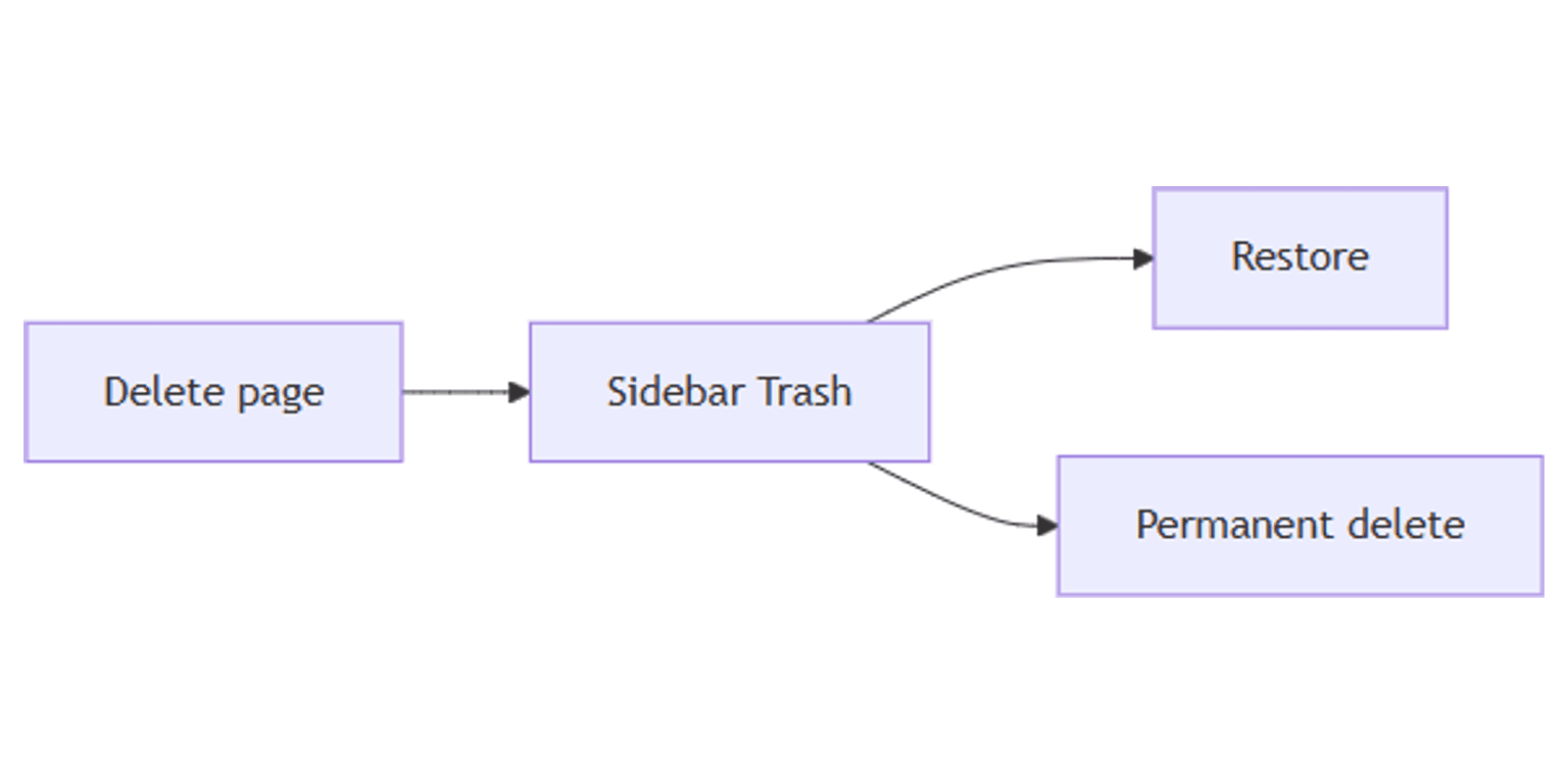
Notion Trash is the safety net for deleted pages - items leave the sidebar and land in Trash, where you can restore them or permanently delete them. By default, pages stay in Trash for about 30 days before automatic permanent removal (Enterprise owners may customize retention).
This guide covers deleting pages, finding Trash, restore vs permanent delete, and what happens to database rows. Official details: Delete & restore content.
How to delete a page
Any of these send a page to Trash (you need permission to delete):
- Sidebar: hover the page → ••• (or right-click) → Delete.
- Open page: top-right ••• → Delete.
- Nested page block: hover → ⋮⋮ (or right-click) → Delete.
- Drag the page onto Trash at the bottom of the sidebar.
- Select a page block and press Backspace / Delete on the keyboard.
Deleted pages are not editable until restored. Who can delete depends on share & permissions - guests and limited roles may lack delete rights.
Find Trash in the sidebar
- Scroll to the bottom of the left sidebar.
- Click Trash.
- Browse or search the list of deleted pages.
- Open a deleted page to preview contents (read-only until restored).
On mobile, Trash is often under the sidebar ••• menu rather than a permanent footer control - look for Trash in that menu if you do not see it on the main list (Notion Help).
If a page “vanished” but you never deleted it, try Search (Quick Find) before assuming Trash - it may be nested, collapsed under a section, or moved by sharing changes.
Restore a page
- Open Trash.
- Find the page (scroll or type to filter when search is available).
- Click the restore control (curved arrow) next to the page - or open the page and choose restore from the banner/actions.
- Confirm it returned to its previous location in the workspace.
Restored pages keep their content and typical structure. Re-check share & permissions if teammates still cannot see it after restore.
Permanently delete from Trash
- Open Trash.
- Find the page.
- Click the trash / permanent delete control next to it (or permanent delete from the open deleted page).
- Confirm - this removes it from Trash.
There is no empty-all Trash action in normal Notion UI - delete items one by one, or wait for the automatic purge after the retention window (Notion Help).
After permanent delete: recovery is not guaranteed. Notion support may sometimes help within a limited window - do not rely on it. Prefer restore while the page is still in Trash.
Database rows and deleted properties
Database rows are pages. Deleting a row sends that page to Trash like any other page - restore from Trash to put the row back in the database (filters/views may hide it until you clear filters).
Deleted database properties are handled separately from page Trash - Notion documents viewing and restoring deleted properties from database Settings / deleted-properties UI. Restoring a property is not the same button as restoring a page from sidebar Trash; permanent delete of a property from that UI is typically irreversible (Notion Help).
Retention and troubleshooting
| Topic | What to expect |
|---|---|
| Default Trash retention | About 30 days, then auto permanent removal |
| Enterprise | Workspace owners may customize Trash retention |
| Empty Trash | No bulk empty - delete per item or wait for auto purge |
| Cannot find a page | Use Search; check Trash; check nested locations |
Common issues:
- No Trash in sidebar - scroll to the bottom; on mobile open the sidebar ••• menu.
- Cannot delete - your permission level may block delete; ask a full-access member (permissions).
- Restored but missing from view - clear database filters/sorts; check parent page location.
- Already permanently deleted - Trash will not list it; contact Notion support only as a last resort.
FAQ
Where is Notion Trash?
Bottom of the left sidebar on desktop/web; often under sidebar ••• on mobile.
How long do pages stay in Trash?
About 30 days by default, then Notion permanently removes them. Enterprise can customize.
How do I restore a deleted page?
Trash → find the page → curved restore arrow (or restore from the deleted page banner).
Do deleted database rows go to Trash?
Yes - rows are pages. Restore from Trash to return them to the database.
Conclusion
Notion Trash lets you undo mistakes: delete to Trash, restore with the curved arrow, or permanently remove when you are sure. Use Search before panicking, and confirm share & permissions after a restore so the right people can open the page again.
Official reference: Delete & restore content.
Notion Templates
Start Selling Notion Templates - Start Now!