How to Create Facebook Posts in Canva: Size, Layout, and Export
A strong Facebook post image earns more mobile feed space when it is tall enough. Canva makes it easy to design 1080×1350 portrait posts, square creatives, and 1200×630 link previews that stay sharp when compressed.
This guide covers Canva Facebook post sizes for 2026, layout tips, Brand Kit reuse, and export. Specs below follow widely cited 2026 Meta/Facebook feed guidance - portrait 4:5 is the best default for organic photo posts.
Facebook post size in Canva
| Format | Size | Aspect ratio | Best for |
|---|---|---|---|
| Portrait feed (recommended) | 1080 × 1350 px | 4:5 | Default organic photo posts |
| Square feed | 1080 × 1080 px | 1:1 | Cross-post assets, simple graphics |
| Landscape feed | 1200 × 630 px (or ~1080 × 566) | ~1.91:1 | Wide photos |
| Link preview / shared URL card | 1200 × 630 px | 1.91:1 | When the post is a link share |
| Stories / Reels | 1080 × 1920 px | 9:16 | Full-screen vertical |
| Page cover (reference) | 851 × 315 px | ~2.7:1 | Profile/Page banner (not a feed post) |
Practical rule: design feed photos at 1080 × 1350 so they fill more of the mobile timeline. Use 1200 × 630 when the creative is a link preview, not a photo upload - same idea as LinkedIn/OG cards.
Keep important text and logos inside a safe margin (~40–50 px). Prefer JPG/PNG under common upload limits (stay well under ~8–30 MB depending on placement).
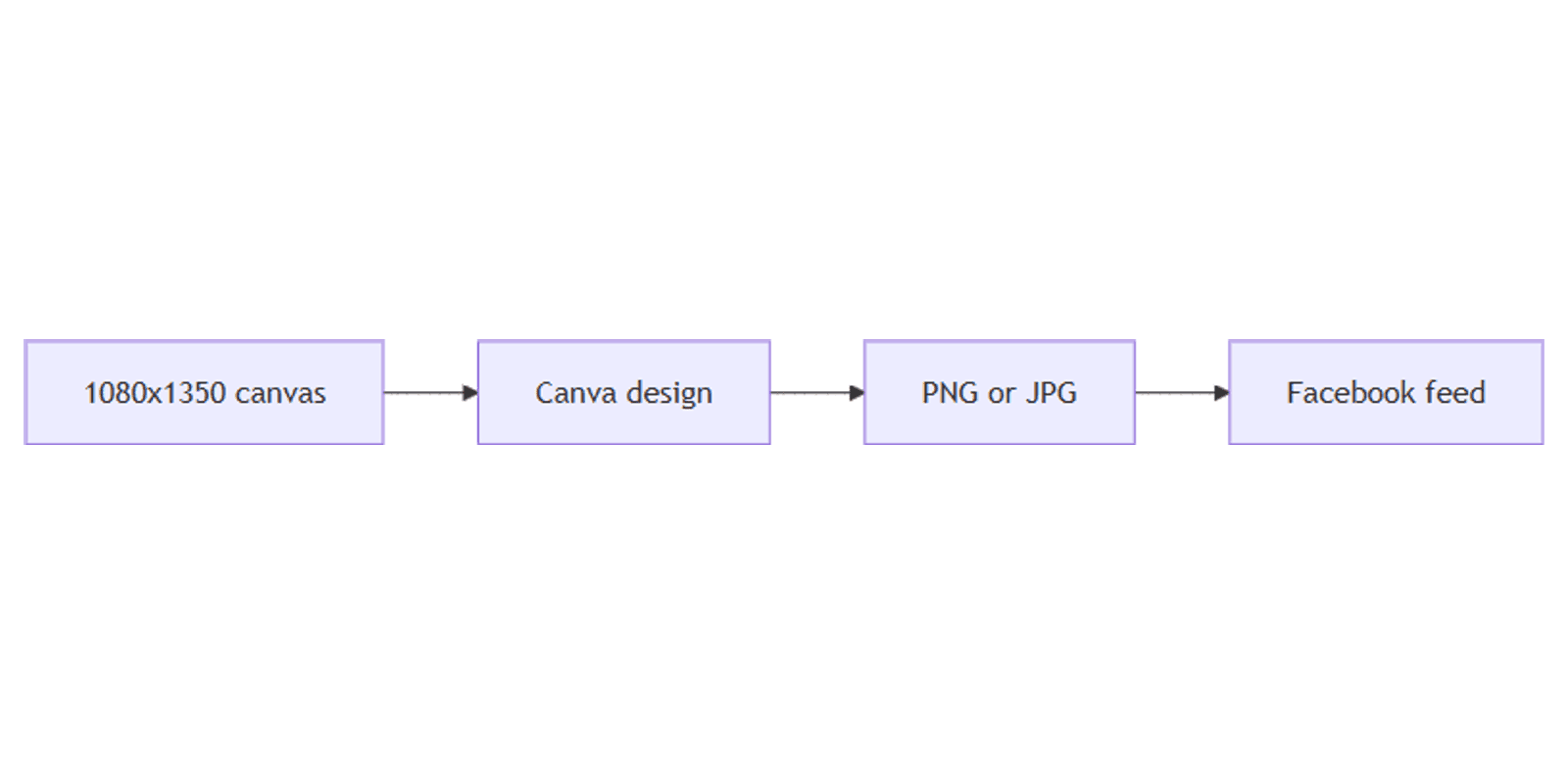
To create the canvas:
- Open Canva.
- Click Create a design → search Facebook Post, or use Custom size.
- Enter 1080 × 1350 px for a portrait feed image.
Related Sparxno guides:
| Use | Size | Guide |
|---|---|---|
| Instagram portrait | 1080 × 1350 | Instagram posts |
| Instagram Stories | 1080 × 1920 | Instagram Stories |
| LinkedIn square / link | 1080×1080 / 1200×627 | LinkedIn posts |
| X landscape | 1200 × 675 | X posts |
| Blog / OG | 1200 × 630 | Blog banners |
Step-by-step: build a Facebook post
1. Background
- Brand color or soft gradient from Brand Kit
- Full-bleed photo with a dark overlay for text
- Product cutout via Background Remover
2. Headline and support line
- One clear claim (about 6–12 words)
- Optional subline for offer or CTA
- High contrast; avoid tiny type
3. Logo and safe placement
- Small logo inside margins
- Keep faces and CTAs in the center third for mobile cropping quirks
4. Multi-image / carousel
Design each card at the same size (1080×1350 or 1080×1080). Export pages in order and upload as a multi-photo post or document-style carousel where Facebook supports it.
Layout tips for the Facebook feed
- Portrait first - 4:5 usually beats landscape for organic reach on mobile.
- Do not use link-card size for photo posts - 1200×630 is for URL previews.
- Less text than a blog header - feeds are skimmed quickly.
- Test dark mode - mid-gray photos kill light text.
- Reuse Instagram 4:5 - same 1080×1350 canvas often works for both; tweak copy only.
From one design to every size
- Finish the master at 1080×1350.
- Magic Resize to square, Story, and link-preview sizes.
- Recheck text after tall ↔ wide jumps.
- Track captions and publish dates in a content planner.
Export settings
- Share → Download.
- PNG for graphics/text; JPG for photos.
- Upload to Facebook and preview on mobile before publishing.
Checklist:
- Feed photo is 1080 × 1350 (or intentional square)
- Link posts use 1200 × 630 preview art
- Text inside safe margins
- Brand Kit applied
- Mobile preview looks clear
Practical workflows
Offer / promo post
- Portrait creative with price or benefit in the safe center.
- Matching Story via Magic Resize + Stories safe zones if you also post to FB/IG Stories.
Link to blog
- Design 1200 × 630 Open Graph-style image (blog banners).
- Share the URL so Facebook pulls the preview.
- Keep a separate 4:5 photo post if you want maximum feed height without a link card.
Cross-post from Instagram
- Start from Instagram 1080×1350.
- Swap platform-specific CTAs.
- Export once; upload to both networks.
FAQ
What is the best Facebook post size in Canva?
1080 × 1350 px (4:5) is the best default for organic feed photos in 2026 guides. Use 1080 × 1080 for square and 1200 × 630 for link previews.
Is Facebook the same size as Instagram portrait?
Yes for the common 1080 × 1350 feed canvas - always recheck safe margins and copy.
What size is a Facebook link preview?
About 1200 × 630 px (1.91:1) - treat it like an Open Graph card, not a tall photo post.
Conclusion
Canva Facebook posts work best at 1080 × 1350 for feed photos - set the canvas, keep text readable, export PNG/JPG, and use 1200 × 630 only for link cards. Reuse Brand Kit, Background Remover, and Magic Resize to ship Instagram and Facebook together.
For mockups, see Sparxno Canva frame mockups.
Canva Templates
Start Selling Canva Templates - Start Now!