Notion Rollups: How to Summarize Linked Database Data
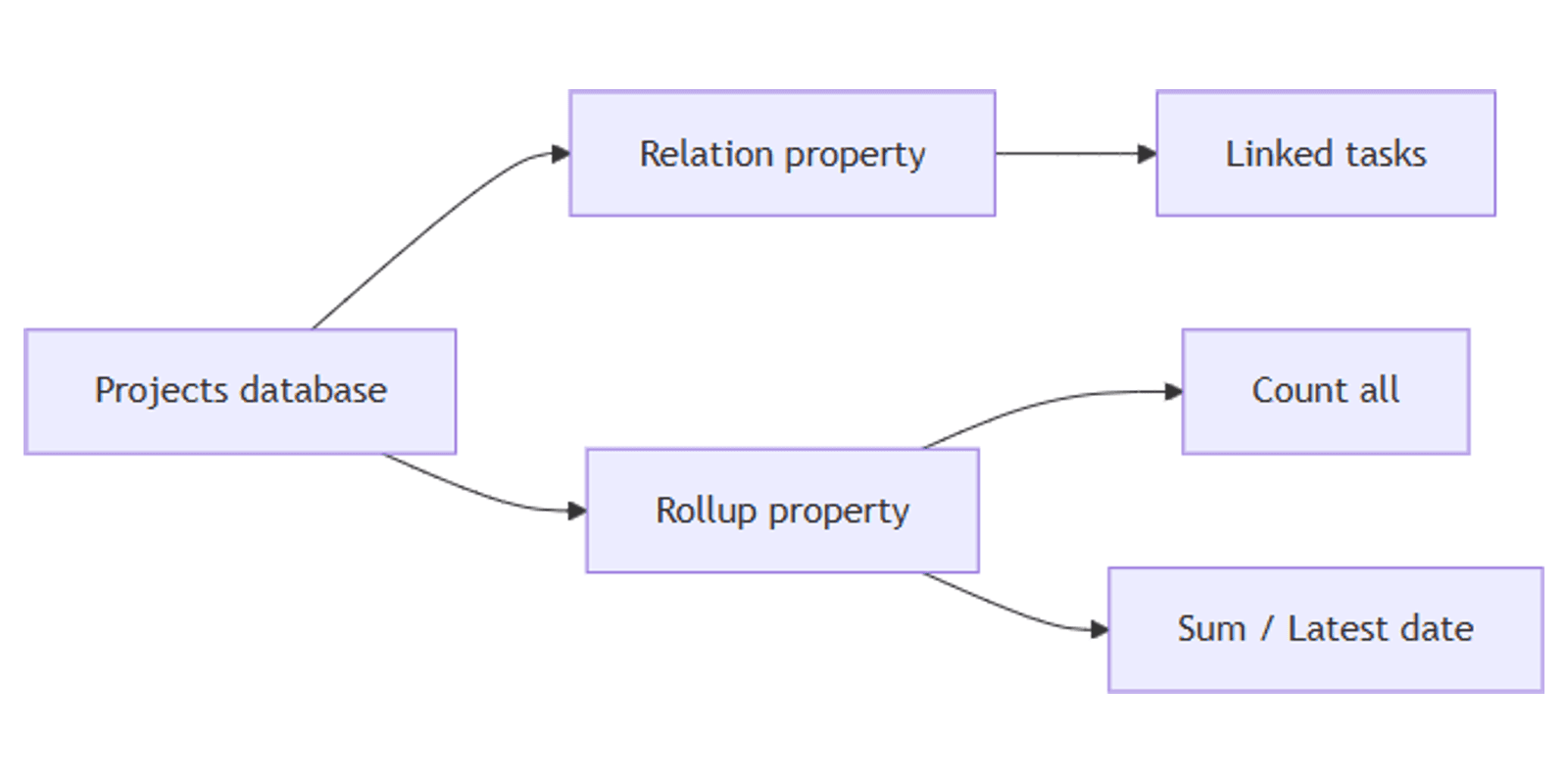
Once databases are linked with a relation property, rollups let you summarize that connected data. Count tasks per project, sum invoice totals per client, or find the latest due date across related rows - without manual updates.
This guide covers how Notion rollups work, every calculation type, and practical examples.
What is a rollup property?
A rollup aggregates data from pages linked through a relation. You must have a relation before you can add a rollup.
Rollups answer questions like:
- How many tasks does each project have?
- What is the total spend per client?
- What is the latest due date across related items?
- What percentage of linked tasks have a due date set?
If you have not set up a relation yet, start with our relations guide first.
How to create a rollup
- Ensure a relation property already exists on the database.
- Click + to add a new property.
- Choose Rollup as the type and name it (e.g. Task count or Total spent).
- Click a cell in the rollup column and configure:
- Relation - which relation to roll up.
- Property - which property on the linked pages to use.
- Calculate - the aggregation (count, sum, earliest date, etc.).
- Number format and decimals (for numeric rollups).
Example - count tasks per project:
- Relation: Tasks
- Property: Name (or any property)
- Calculate: Count all
Example - sum purchase totals per customer:
- Relation: Items purchased
- Property: Price
- Calculate: Sum
Rollup calculation types
General (any property type)
| Calculation | What it does |
|---|---|
| Show original | Lists all related pages (similar to the relation itself) |
| Show unique values | Lists unique values from the selected property |
| Count all | Total number of values |
| Count values | Count of non-empty values |
| Count unique values | Count of distinct values |
| Count empty / Count not empty | How many linked pages have blank or filled values |
| Percent empty / Percent not empty | Percentage with or without values |
Number properties only
Sum, Average, Median, Min, Max, Range
Date properties only
Earliest date, Latest date, Date range
Rollups that output numbers can be sorted in database views. You can also use Calculate on a rollup column in table or board views (e.g. sum all customer totals at the bottom of the column).
Practical example: Projects and Tasks
Assuming you already have a two-way relation between Projects and Tasks, add these rollups on the Projects database:
| Rollup name | Relation | Property | Calculate |
|---|---|---|---|
| Task count | Tasks | Name | Count all |
| Latest due date | Tasks | Due date | Latest date |
| Total hours | Tasks | Hours | Sum |
For open-task counts, use a filtered board view on Tasks instead of a rollup - or combine rollups with filtering on views for day-to-day work.
Pair with Status properties to track which linked tasks are still in progress.
Tips and limitations
- Rollups require a relation - set up the link first, then aggregate.
- No rollup of a rollup - Notion prevents nested rollups to avoid circular logic.
- Sort by numeric rollups only - text-based rollup outputs cannot be used for sorting.
- Name rollups descriptively - Task count and Total spent are clearer than Rollup 1.
- Start simple - one count rollup per relation is enough to begin; add sums and dates as needed.
Conclusion
Rollups turn relations into summaries - counts, totals, date ranges, and more. Link two databases, add one rollup column with Count all, and expand from there as your workflow grows.
Notion Templates
Start Selling Notion Templates - Start Now!