Notion Full Width Layout: Give Pages More Horizontal Space
Notion Full width shrinks the side margins so page content uses more horizontal space - useful for wide tables, dashboards, and docs that feel cramped in the default narrow column. This guide focuses on page width, not fonts (see Notion fonts for Default / Serif / Mono and Small text).
Official help: Style and customize your Notion page.
What Full width does
With Full width on, Notion widens the content area of that page. With it off, you get the default centered, narrower reading column (Notion Help).
| Default width | Full width | |
|---|---|---|
| Margins | Wider side margins | Narrower side margins |
| Best for | Long reading docs | Tables, galleries, multi-column layouts |
| Scope | Per page | Per page (not a global default yet) |
Full width does not create columns by itself. For side-by-side blocks, use multiple columns (/col2–/col5) on top of a wide page when you need parallel content.
How to turn on Full width
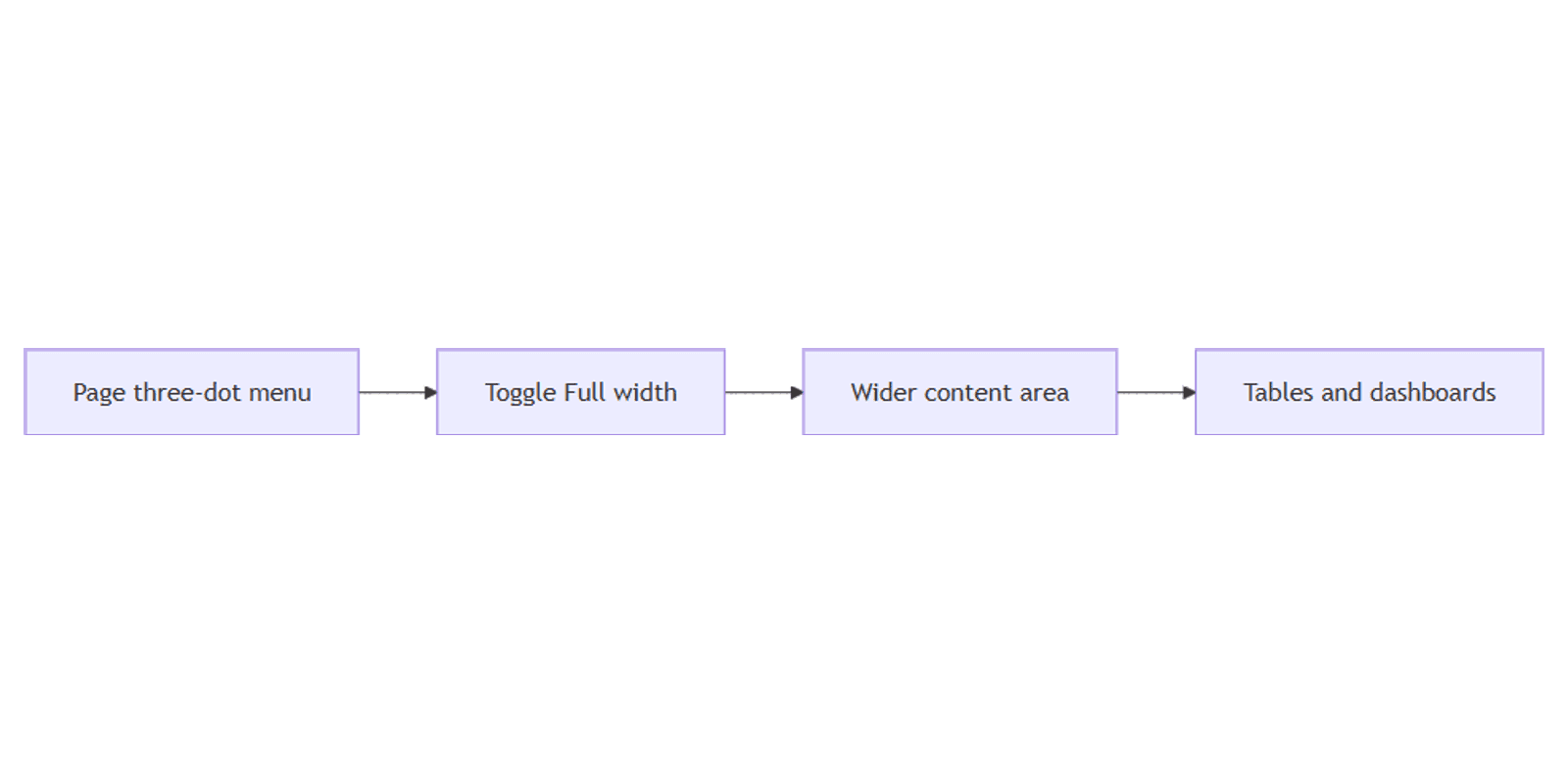
- Open the Notion page (desktop app or web).
- Click ••• at the top right of the page.
- Toggle on Full width.
Toggle it off the same way when you want the narrower reading column back.
Desktop and web only
Page width (and related styling options like font and Small text) exist on desktop and web. They are not the same controls on mobile (Notion Help). Set Full width on desktop/web; mobile will still follow Notion’s mobile layout rules.
No global default yet
You cannot set Full width as the default for every new page today - Notion notes that a lot of users have asked for it (Notion Help). Turn it on per page (or bake it into templates you duplicate).
Full width vs columns vs fonts
| Goal | Use |
|---|---|
| More horizontal space | Full width (this guide) |
| Side-by-side blocks | Multiple columns |
| Typeface / compact text | Fonts (Default, Serif, Mono, Small text) |
| Public web page | Notion Sites publish - separate from editor width |
A published Notion Site follows site theming and visitor layout; Full width is an editor / in-app page style choice while you work in Notion.
When Full width helps most
- Full-page databases - more columns visible before horizontal scroll feels painful
- Dashboards with synced views and wide boards
- Specs and roadmaps that mix tables with callouts
- Column layouts -
/col2–/col5breathe better on a full-width page
When you mainly write long prose, default width can be easier to read. Turn Full width on for the working views; leave narrative docs narrower if you prefer.
Practical layout workflow
- Duplicate a template page that already has Full width on for dashboards.
- Add columns only where you need parallel sections.
- Set fonts once for tone (e.g. Serif for long reads, Default for ops hubs).
- Publish public versions via Notion Sites when the audience is outside the workspace.
Works with the Social Media Multi-Platform Content Planner when calendar tables need room.
Tips
- Turn Full width on before packing columns - narrow pages make
/collayouts feel cramped. - Remember it is per page - new pages start at default until you toggle or duplicate a template.
- Do not confuse with database “Open pages in Full page” - that controls how database rows open, not page margin width.
- Fonts are separate - width ≠ typeface; see Notion fonts.
FAQ
Where is Full width in Notion?
••• (top right) → toggle Full width (Notion Help).
Can I make every Notion page Full width by default?
Not yet as a global style default. Use templates with Full width already enabled, or toggle each page.
Is Full width the same as columns?
No. Full width widens the page. Columns split content into side-by-side blocks.
Conclusion
Full width gives Notion pages more horizontal room - open ••• and toggle Full width on desktop or web. Pair wide pages with columns when you need side-by-side layout, style type with fonts, and publish outward with Notion Sites when the page should live on the web.
Notion Templates
Start Selling Notion Templates - Start Now!