Notion Comments: Give Feedback on Pages and Database Rows
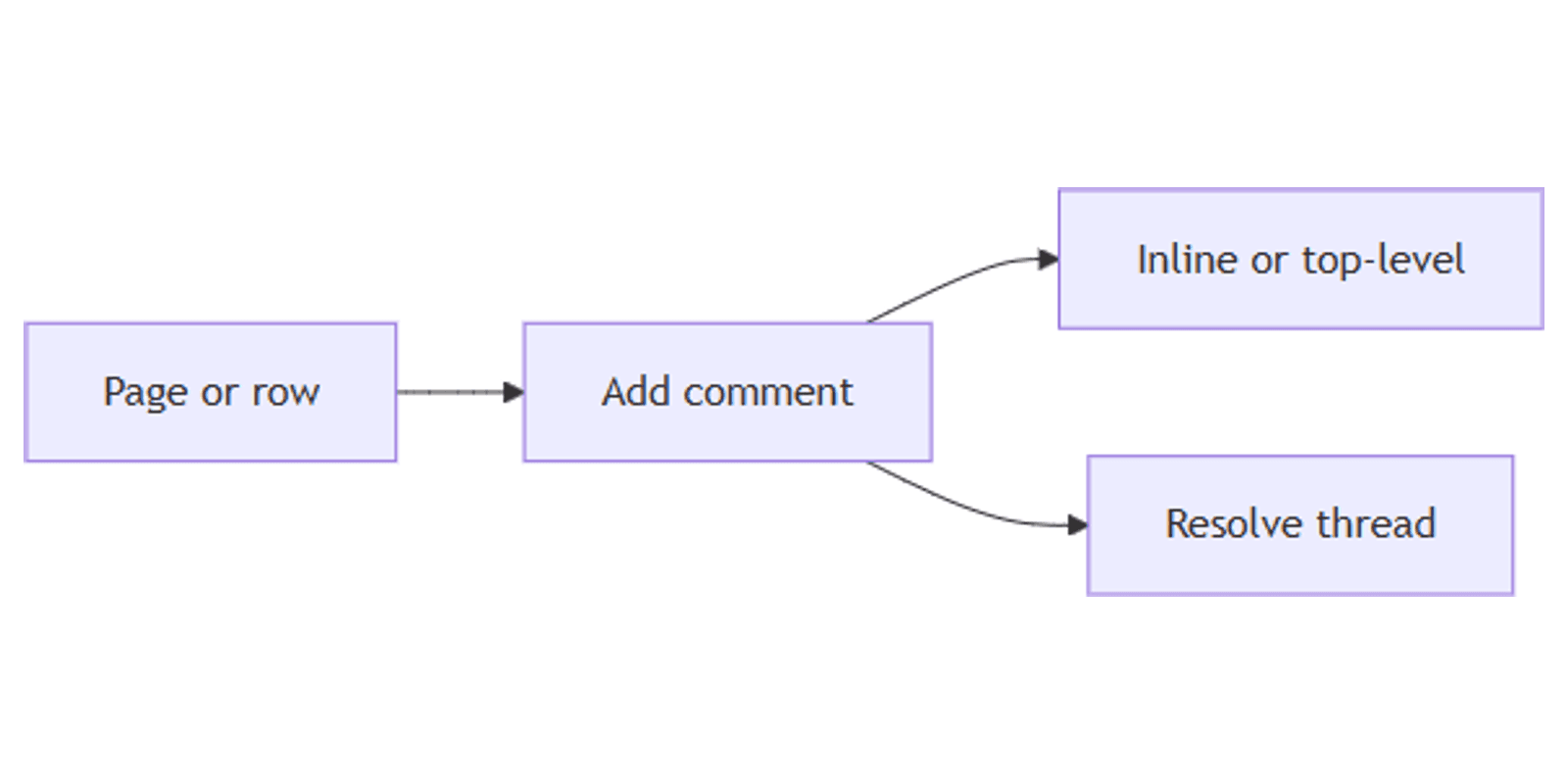
Notion comments let teammates leave feedback on whole pages, specific text, and database rows without rewriting the content. Use top-level discussions for overview notes, inline comments for precise edits, and resolve threads when feedback is done.
This guide covers page comments, inline comments, the comments pane, database and property comments, @ mentions, and reactions. See Notion's comments, mentions, and reminders for official details.
Top-level page discussions
For high-level feedback on a page:
- Hover near the top of the page.
- Click Add comment.
- Write your note; @-mention colleagues to bring them in.
Resolve a comment by hovering it and selecting the checkmark. To reopen a resolved thread, click 💬 at the top of the page, filter by Resolved, then use the reopen control.
Hover a comment → ••• to Edit comment or Delete comment.
Inline page comments
Comment on a specific block or selection in several ways (Notion Help):
| Method | How |
|---|---|
| Select text | Highlight text → choose Comment |
| Block menu | Hover → ⋮⋮ → Comment |
| Comment icon | Hover a block → click 💬 |
| Shortcut | Select text or place the cursor → Cmd/Ctrl + Shift + M |
You cannot comment on multiple blocks at once as separate blocks - but you can select text that spans blocks and leave one comment from the menu.
By default, inline comments appear to the right of the text. Long threads collapse; click to expand.
Customize inline comment display
- Click ••• at the top of the page → Customize page.
- Open Inline comments.
- Choose:
- Default - full comments along the right side
- Minimal - comment icons only; click an icon to open the thread
Comments pane
Open 💬 at the top of the page (a red badge marks unread comments). From the pane you can:
- Jump to where a comment lives on the page
- Reply, edit, resolve, or delete
- Filter by person or by open vs resolved status
Threads with the newest reply rise to the top when you open the pane. Close and reopen the pane to refresh sort order on busy pages.
You can also find comment activity in Inbox and reopen resolved threads from the page 💬 pane (Notion Help).
Database comments
Comments on database pages
Leave top-level feedback on a row in several ways:
| View | How to comment |
|---|---|
| Open page | Use Add comment at the top like any page |
| Existing threads | Click 💬 on the row to read and reply |
| Table / List | Hover → ⋮⋮ → Comment |
| Gallery / Board | Hover → ••• → Comment |
| Most views | Right-click the page → Comment |
On Timeline, page comments from the view usually need the table panel open (>> on the left).
Database rows with comments show a 💬 indicator so the team can spot open discussion.
Property comments (Table)
In Table view - or on an open database page - hover a property and select 💬 to comment on that field. Useful for "Amount looks low" or "Owner wrong" without cluttering the page body.
@ mentions in comments
Type @ inside a comment to notify a person or group. Mentions land in Inbox the same way as page-body mentions - see Notion mentions.
For structured ownership (Assignee / Owner), prefer a People property. Use @ in comments when you need attention on a specific thread.
| Comment @ mention | People property | |
|---|---|---|
| Purpose | Pull someone into feedback | Assign the row |
| Filter "My tasks" | No | Yes |
| Best for | "Please review this paragraph" | Owner, Reviewer |
Reactions (brief)
Quick emoji reactions work on text and comments (Notion Help):
- Inline: select text → 🙂 → pick an emoji
- On a comment: hover the comment → 🙂 → choose a reaction
Use reactions for lightweight acknowledgment when a full reply is unnecessary.
Practical workflow examples
Doc review
- Author shares the page.
- Reviewers leave inline comments on unclear sections.
- Author resolves threads as fixes land.
- Top-level comment for overall "LGTM" or blockers.
Content backlog feedback
- Content items in a database; editors comment from Table or Board.
- Caption Text gets a property comment when copy needs a tweak.
- Track publish state in a content planner.
CRM deal notes
- Open the deal page; top-level comment for next-step discussion.
- @ the account owner in the thread.
- Keep formal fields (Stage, Amount) as properties - comments for conversation.
Works with the CRM Dashboard template.
Team announcements stream
- Publish updates in a Feed database.
- Readers leave page comments instead of editing the announcement body.
- Resolve threads when questions are answered.
Tips for teams
- Prefer inline for precise edits - top-level for summary feedback.
- Resolve aggressively - open threads hide signal.
- @ only who must act - avoid noise mentions.
- Minimal display on polished pages - less chrome for readers.
- Property comments for field disputes - keep page body clean.
FAQ
How do I resolve a Notion comment?
Hover the comment and click the checkmark. Reopen via 💬 → filter Resolved (Notion Help).
What is the keyboard shortcut for a comment?
Cmd + Shift + M on Mac, Ctrl + Shift + M on Windows/Linux - comments on the selection or cursor position.
Can I comment on database rows without opening the page?
Yes. Use ⋮⋮ / ••• → Comment, right-click → Comment, or click an existing 💬 indicator on the row.
Default vs Minimal inline comments?
Default shows comment text on the right. Minimal shows icons until you click - set under Customize page → Inline comments.
Conclusion
Notion comments turn pages and database rows into reviewable work - add a top-level discussion, pin inline notes with Cmd/Ctrl + Shift + M, resolve when done, and @ teammates in the thread. Pair with Notion mentions for notifications and People properties for formal assignment.
For spreadsheet-style property comments, see Table view. For announcement-style reading, see Feed view.
Notion Templates
Start Selling Notion Templates - Start Now!